New on the club website
Your game collection, on your profile
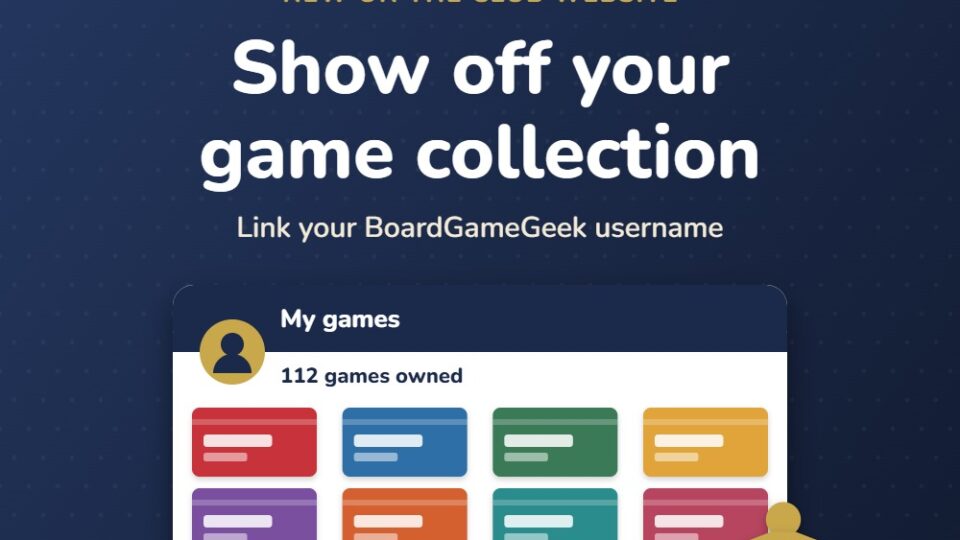
You can now link your BoardGameGeek collection to your Thame Games Club profile, so other members can see the games you own. It takes a couple of minutes to set up.
Why link your collection?
Find your next game
See what other members own and ask them to bring it along
Plan game nights
Make it easier to arrange who brings what
Show off your shelf
Share your collection with fellow members
How to set it up
Three quick steps:
1. Add your BGG username
Go to your profile, choose Profile > Edit, enter your BoardGameGeek username and save.
2. Check your collection is public
Make sure your collection on BoardGameGeek isn't set to private, so the club website can read it.
3. Open My games
On your profile, open My games (under the … menu). The first time, refresh after a minute while BGG prepares it.
Good to know
- Only games you've marked as 'Owned' on BoardGameGeek are shown, and expansions are left out
- Your list updates automatically every 12 hours
- Collections are only visible to logged-in members, on your member profile
- It's completely optional. You can still use everything else on the site without a BoardGameGeek account
Ready to share your shelf?
Add your username today and see your collection on your profile.